If you have been locked out of your WordPress admin after a hack, it can feel like your entire site is out of reach. This guide walks you through the exact steps to regain access, secure your account, and get your website back under your control.
TemplateToaster Blog > WordPress > Page 9
If you have been locked out of your WordPress admin after a hack, it can feel like your entire site is out of reach. This guide walks you through the exact steps to regain access, secure your account, and get your website back under your control.
The word “framework” sounds kind of scary, doesn’t it? Fortunately, it is not as frightening as it sounds. Learn all you need to know about WordPress Frameworks.
WordPress website security is very important because one hack can destroy everything that you have built. A majority of security-enhancing tasks are designed to protect the admin panel because that is the gateway to the backend of your website. From there, there are some additional tasks that you can perform to protect the files that make your site what it is.
Migrating from Blogger to WordPress can feel complex, but with the right steps it becomes a smooth process. This guide walks you through exporting your Blogger content, importing it into WordPress, configuring permalinks, setting up redirects, and testing your site to ensure everything works seamlessly.
Little things can make a huge difference with your WordPress website, which is one of the things that makes WordPress so great. The high level of customization that allows you to meet your needs is practically limitless.
WordPress is the most popular content management system (CMS) available today and it powers millions of websites around the world. Its popularity stems from the fact that it is easy to use, it is secure, and with the use of themes and plugins, it is extremely powerful.
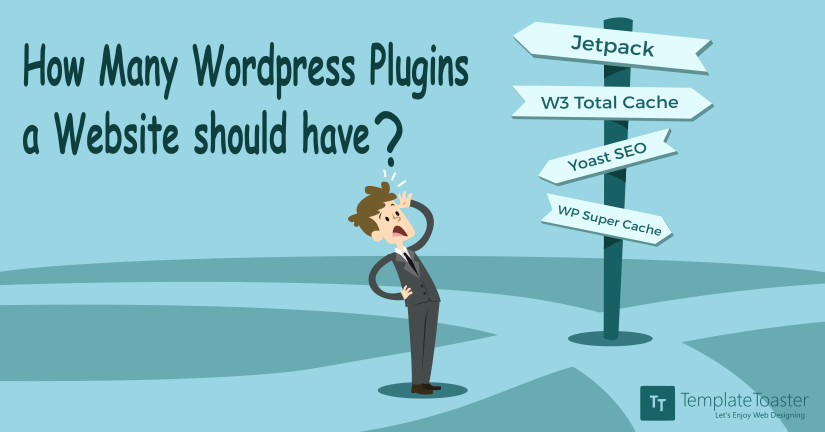
WordPress is one of the most popular CMS now a days.The most attracting thing about WordPress is abundance of plugin and their easy integration. Different types of plugins are available for WordPress, but the question arises in “How many Wordpress Plugins should we install in our site ?
According to data from W3Techs, Wordpress is currently used on 25.9 percent of websites online. This is a huge market share among content management systems, with the percentage gradually increasing on newly registered sites. This offers an excellent opportunity for developers, whether in the form of themes, plugins, or web design.
Today’s world of business is extremely competitive. This makes it essential for every business owner to understand the best ways for them to promote their business. The overall goal is to get their brand name out there so consumers can see what their particular company is all about. But how to go about doing this? What is it exactly that a business needs to do in order to ensure they can stand out from their competition? They need a website.
Designing your website without using services of a web designer may sound gawky but owing to some selected web design tools, you can make great websites yourself with little technical knowledge.
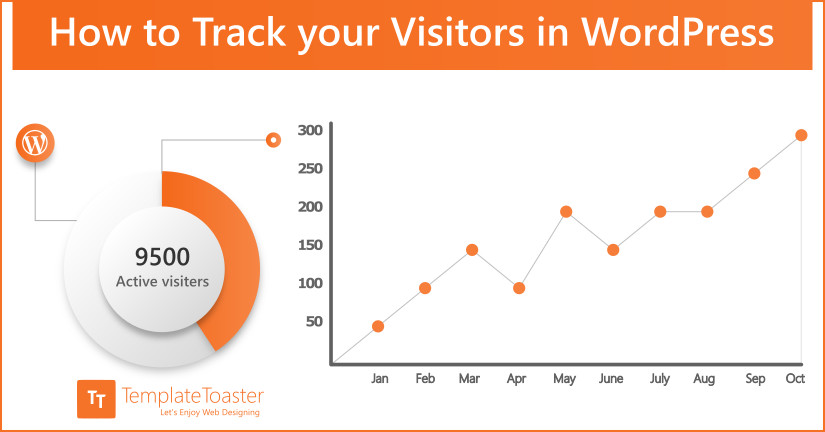
Do you know that getting acquainted with the audience at your website and knowing their needs can count significantly for the success of your website? Yes, absolutely, it really plays a crucial role! For this you need to have the traffic stats and Google Analytics is a service that would help you fetching the same professionally.
For majority of businesses, website plays a crucial role and it needs to be maintained properly all the times. You need to schedule its maintenance on regular bases. Checking 404 error pages is one of the basic things to start up with. These error pages are a common sight that might be sometimes a bit tricky to tackle, but not impossible to accomplish.
Want to keep your audience informed about what’s going on in your blog or website. Read this article to find the best and the most suitable WordPress newsletter subscription plugin to add beautiful subscription form and send newsletters automatically.
When it comes to running a successful website it is important to effectively communicate with your customers. And the best WordPress live chat plugins can help you with the same. Communication is the very first determining factor that influences success in online marketing and business. By hiring SEO experts, you can achieve higher search engine rankings and draw more traffic to your website. However, to reap the best benefits, you have to retain your visitors and this is done through effective communication. A customer does not spend his hard-earned money on any product without knowing if it satisfies his needs or not. Therefore, he always has some questions to ask. The most efficient way to provide a quick answer to these questions is the WordPress Live Chat Plugins.
The 500 Internal Server Error looks scary, but it is almost always fixable and your data is rarely lost. This guide walks you through what the error really means and how to track down the cause, from a corrupted .htaccess file and low PHP memory to plugin clashes, theme bugs, and the newer culprits like PHP 8 conflicts and strict firewall rules. Follow the steps in order and you will have your site back up, often within minutes.
“Clifford” WordPress 4.4 has been released on 8th of this month. Now, you are eager to learn about the new features added in the latest version of the most preferred platform for publishing posts and website development. We are here to tell you about the new added features in WordPress 4.4.
The WordPress White Screen of Death looks like a disaster, yet it is almost always a single fatal PHP error you can trace and fix in minutes. In this guide I walk you through every common cause, from plugins and themes to memory limits and file permissions, plus the debug trick and the Recovery Mode shortcut that get your site back online fast.
Most websites do not get hacked by genius. They get hacked through the same short list of weaknesses, found by bots scanning millions of sites an hour. In this guide I walk through the top website vulnerabilities attackers actually exploit, from outdated plugins and weak passwords to SQL injection and nulled themes, with plain English explanations and a practical way to shut each one down.
This article is for those who want to protect their website from data loss with free but reliable WordPress backup plugins. We have listed top 7 tested and trusted backup plugins for manual and scheduled backup of database and website files.
Get your FREE ultimate ebook to build stunning
WordPress websites.